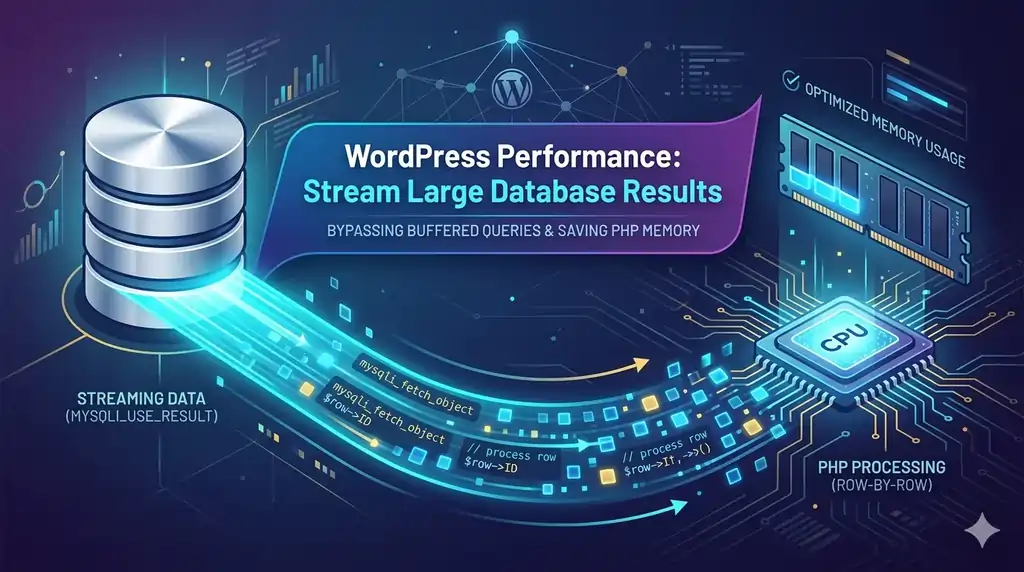
When working with massive datasets in WordPress, a standard $wpdb->get_results() call can quickly become a silent killer. Because the core database class buffers the entire result set into PHP memory at once, querying tens of thousands of rows will easily exhaust your memory limit, triggering the dreaded Fatal error: Allowed memory size exhausted.
The solution is streaming results using unbuffered queries. By pulling rows one by one directly from the MySQL client, you can process millions of rows while keeping memory usage flat and minimal.
The Hidden Mechanics: Why $wpdb Fails on Large Queries
To understand why a standard $wpdb->get_results() or $wpdb->query() call triggers a fatal error, we have to look at what happens in the server’s memory when WordPress talks to MySQL.
Below is the step-by-step lifecycle of a standard buffered $wpdb query versus how PHP handles the data.
1. The Double-Buffering Trap (The Core Issue)
When you invoke a standard query, the data goes through an aggressive, multi-layered caching process in PHP’s RAM before you even get to touch a single row:
- MySQL Client Buffer: By default, PHP uses the
mysqlnd(MySQL Native Driver) in buffered mode. The moment the query executes, the driver pulls the entire result set off the database server and loads it directly into PHP’s memory. - The
$wpdbInternal Cache ($wpdb->last_result): Once PHP has the data, the$wpdb::query()method intercepts it. It maps the raw data into an array of PHP objects and stores this entire structure in the class property$wpdb->last_result. - The Return Value: Finally, when you call
$wpdb->get_results(), it passes a third copy of that data back to your local variable.
The Memory Impact: If your dataset takes up 50 MB of raw data, the total PHP memory consumption can instantly spike to 150 MB or more just to hold these redundant internal references.
2. The Transformation Overhead
Even if you explicitly request an associative array by passing ARRAY_A to $wpdb->get_results(), WordPress does not fetch it as an array initially.
- WordPress fetches the row from the driver as a standard object.
- It loops through the entire object collection.
- It transforms each object into an array and appends it to a new result set.
For massive datasets, this translation layer burns through CPU cycles and forces PHP to re-allocate memory repeatedly as the new array expands, compounding the risk of memory exhaustion.
3. The Persistence Bottleneck (last_result Stays Forever)
The most dangerous part of standard $wpdb queries is that the data refuses to die when your loop finishes.
Even after your local $results variable goes out of scope and is cleaned up by PHP’s garbage collector, $wpdb->last_result persists. It will keep holding onto every single row until another database query is executed via $wpdb. On a long-running script, migration, or cron job, this behavior causes a permanent and massive memory leak.
Solution: Unbuffered Queries with MYSQLI_USE_RESULT
To process data efficiently when memory optimization is critical, we can skip the heavy overhead of $wpdb core formatting. By stepping slightly outside the standard wrapper methods and using the native mysqli_query() function with the MYSQLI_USE_RESULT flag, we direct MySQL to stream the data row-by-row.
Below is a complete, production-ready function to stream your database results safely.
The Streaming Query Implementation
How to Use the Streaming Function
Instead of pulling all rows into an array at once, you pass a callback function to wpdb_stream_query(). This callback processes the current row immediately and frees up its memory before the next row is fetched.
Practical Example: Exporting Data to CSV
Golden Rules of Unbuffered Queries
While streaming queries are incredibly powerful for backend tasks, they come with technical constraints that must be respected:
- Single Query Connection: You cannot initiate a second MySQL query on the same connection while streaming is in progress. If you try to run
$wpdb->get_results()or aget_post_meta()inside your callback function, MySQL will throw aCommands out of syncerror. - Read-Only Context: Only use this function for
SELECTqueries. - Freeing Results: Always ensure the
mysqli_free_result()function is called immediately after looping to unlock the MySQL thread for subsequent queries.
Summary
When performance and memory optimization are your main priorities, relying solely on standard methods can introduce bottlenecks. Shifting to unbuffered streaming with MYSQLI_USE_RESULT bypasses $wpdb caching mechanisms and allows you to comfortably process massive exports, migrations, and background scripts directly inside WordPress.
To learn more about how native methods cache and store data, review the WordPress Developer Documentation for the $wpdb class.